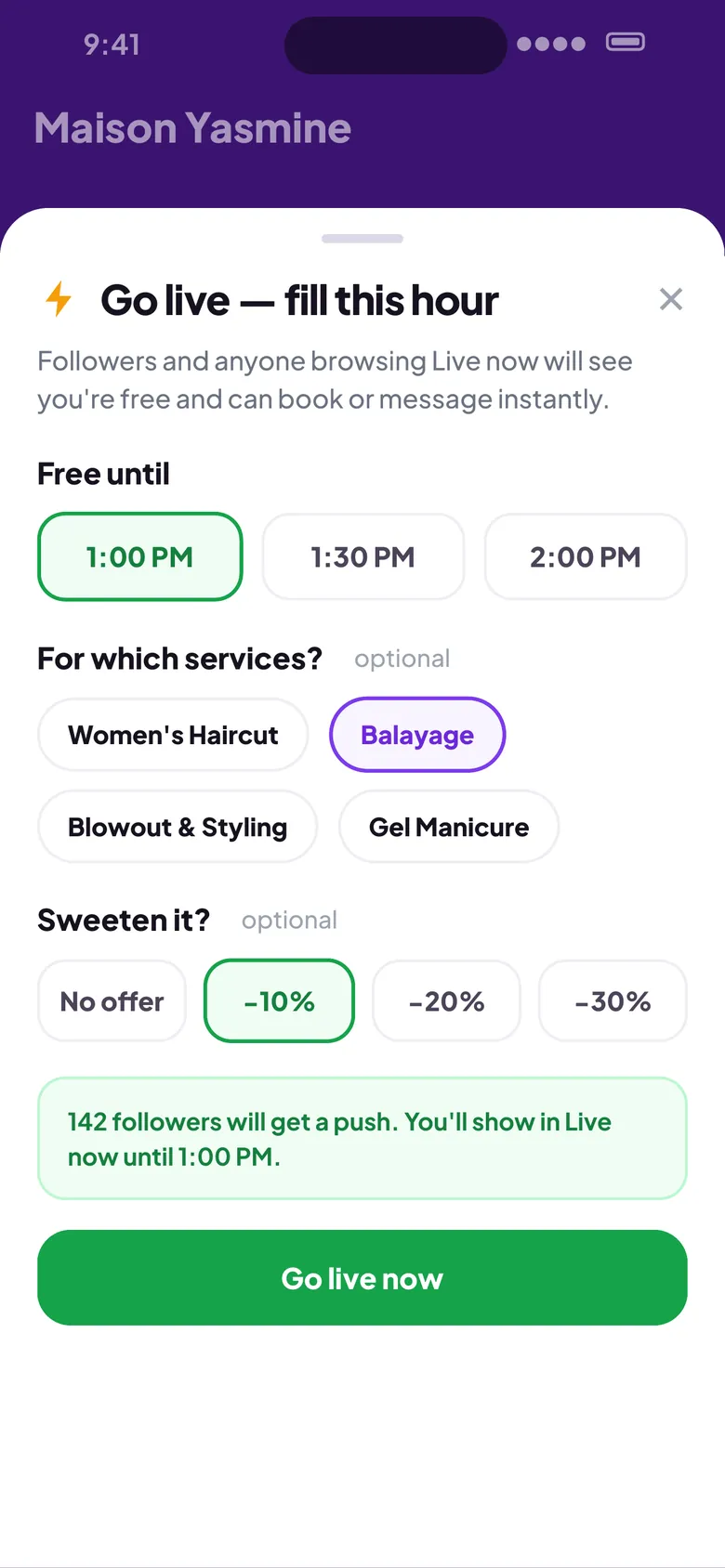
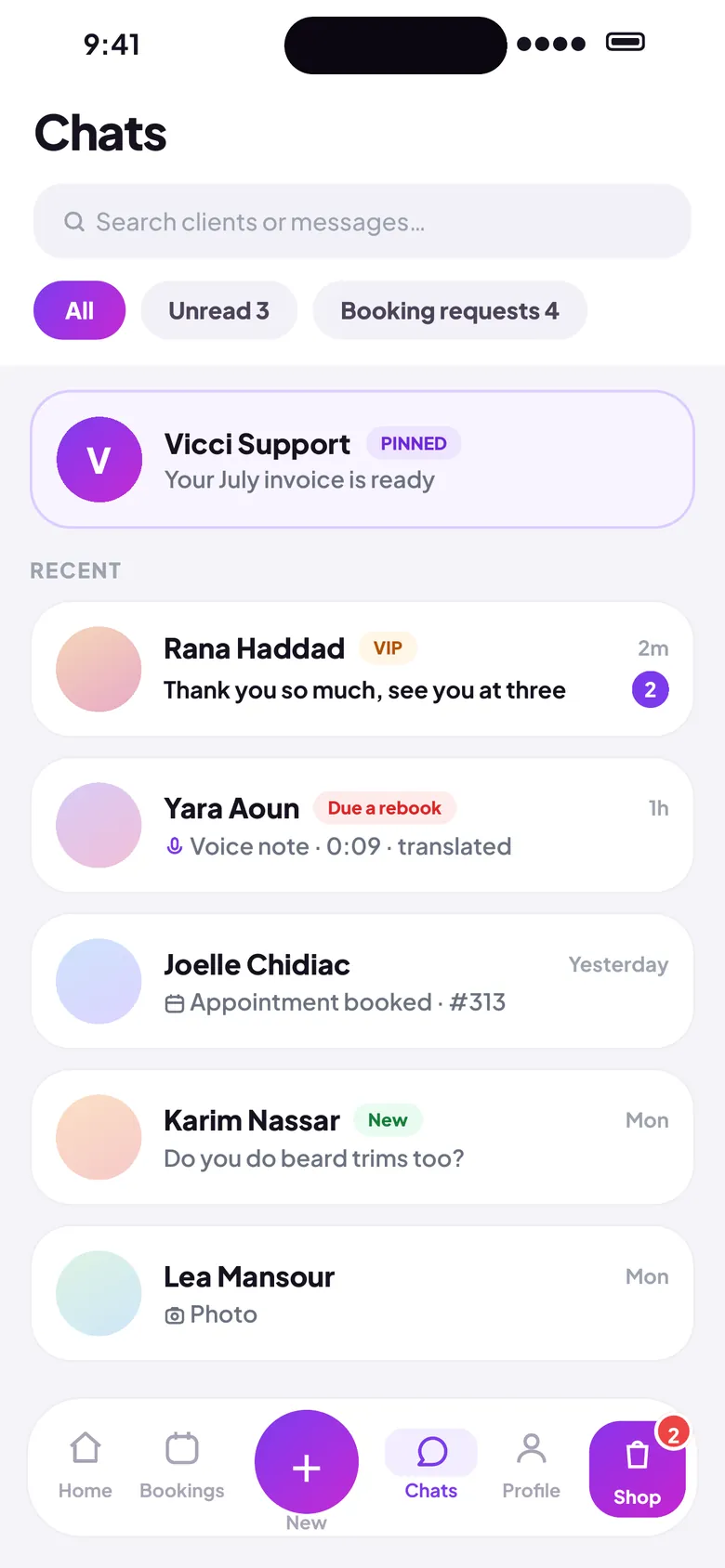
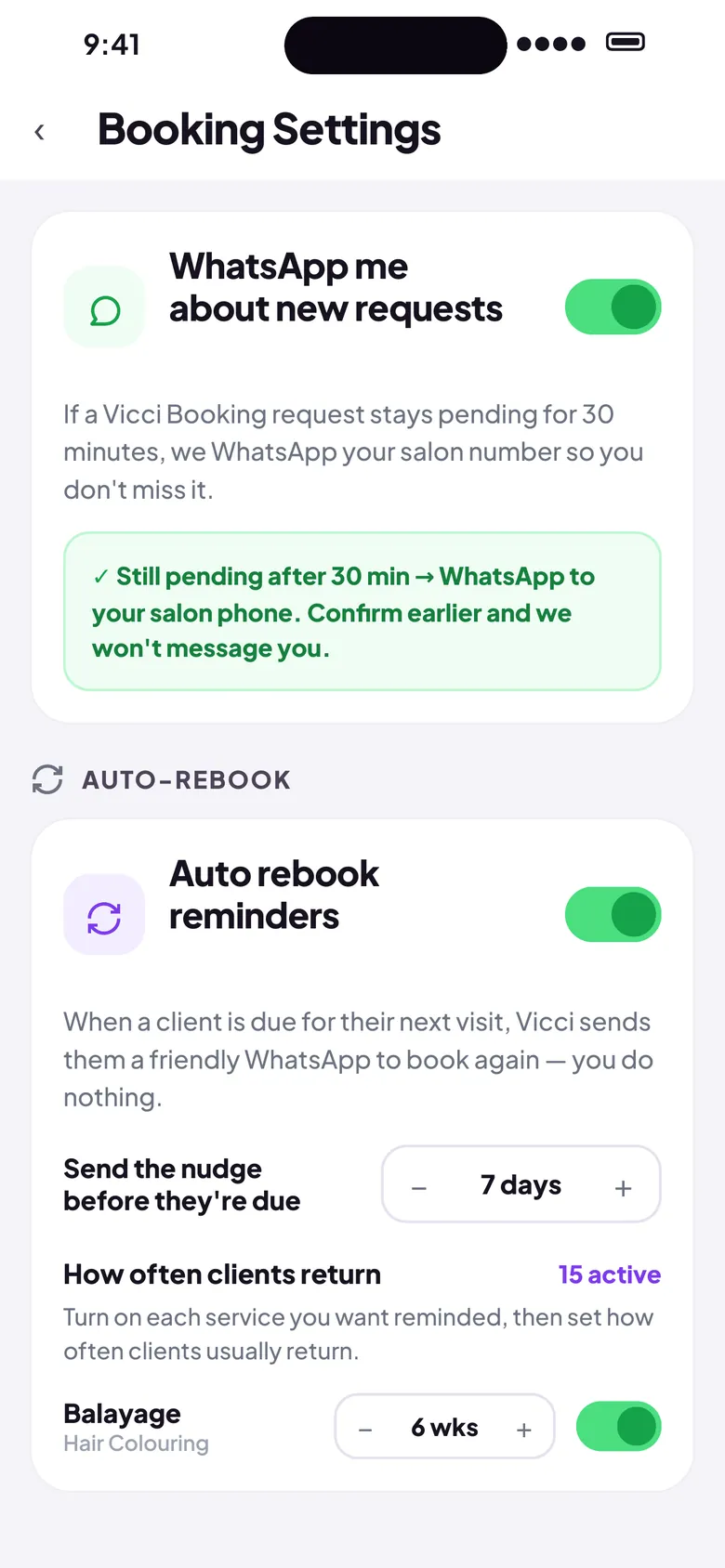
Book beauty and salon appointments as a guest, or run your salon business as a vendor — with two apps built for each side of the chair.

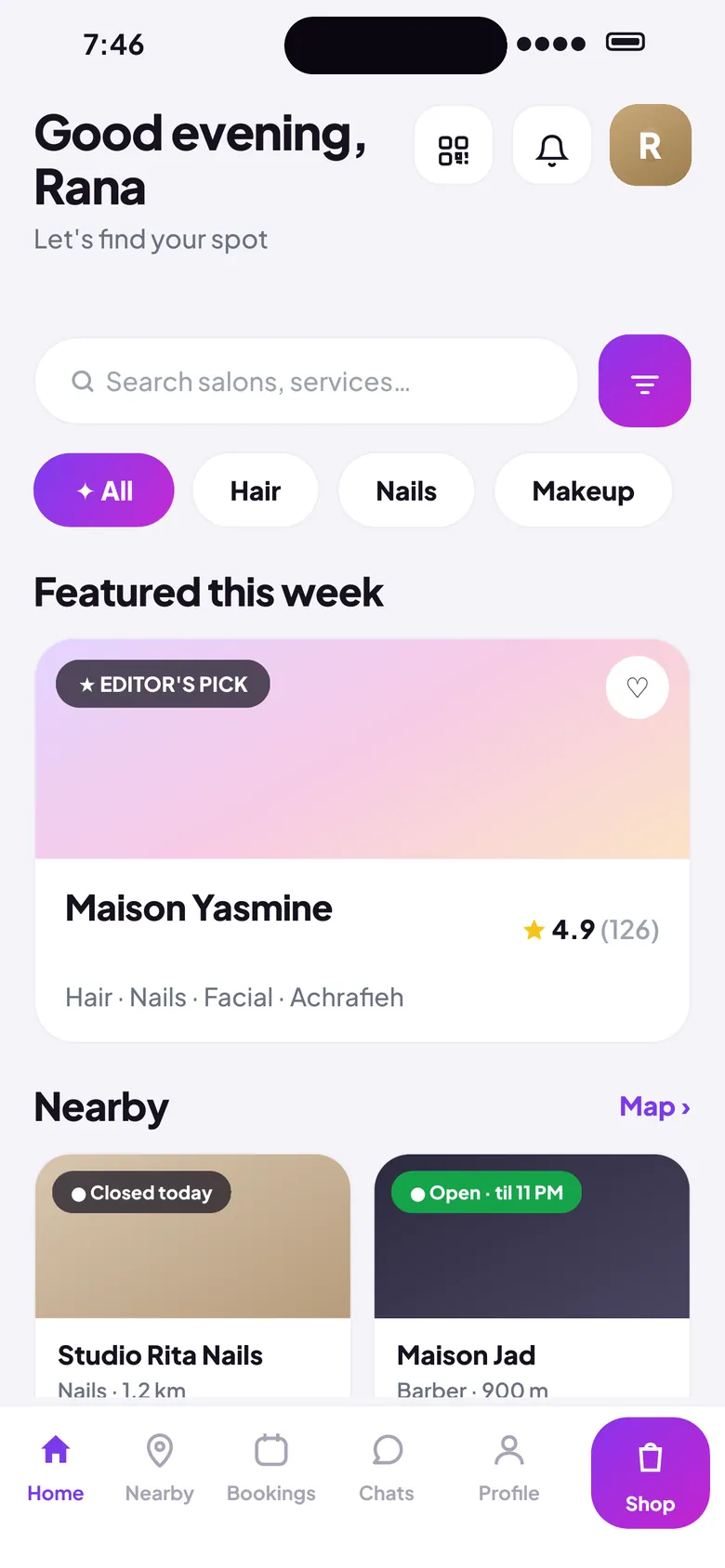
Vicci Booking app showing salon discovery home screen

Vicci Booking

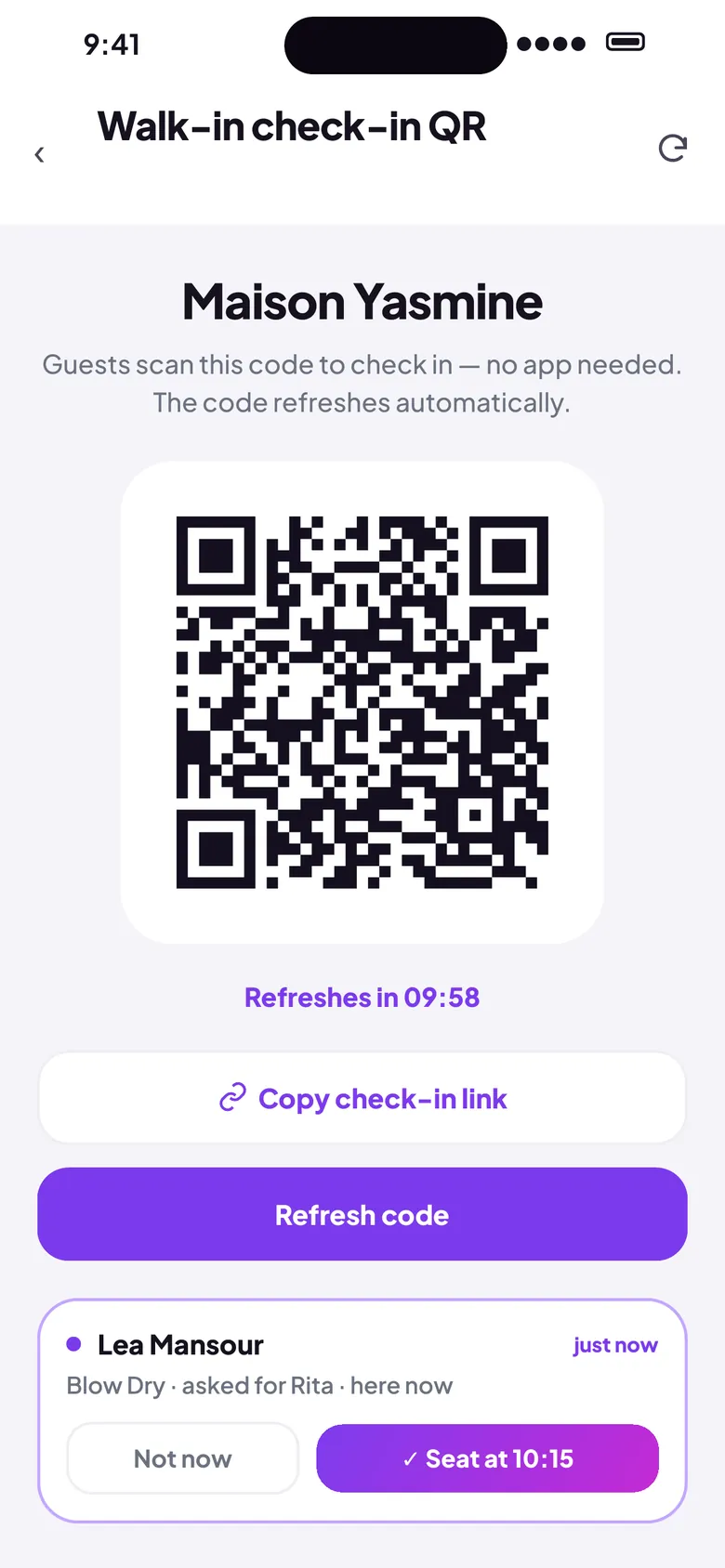
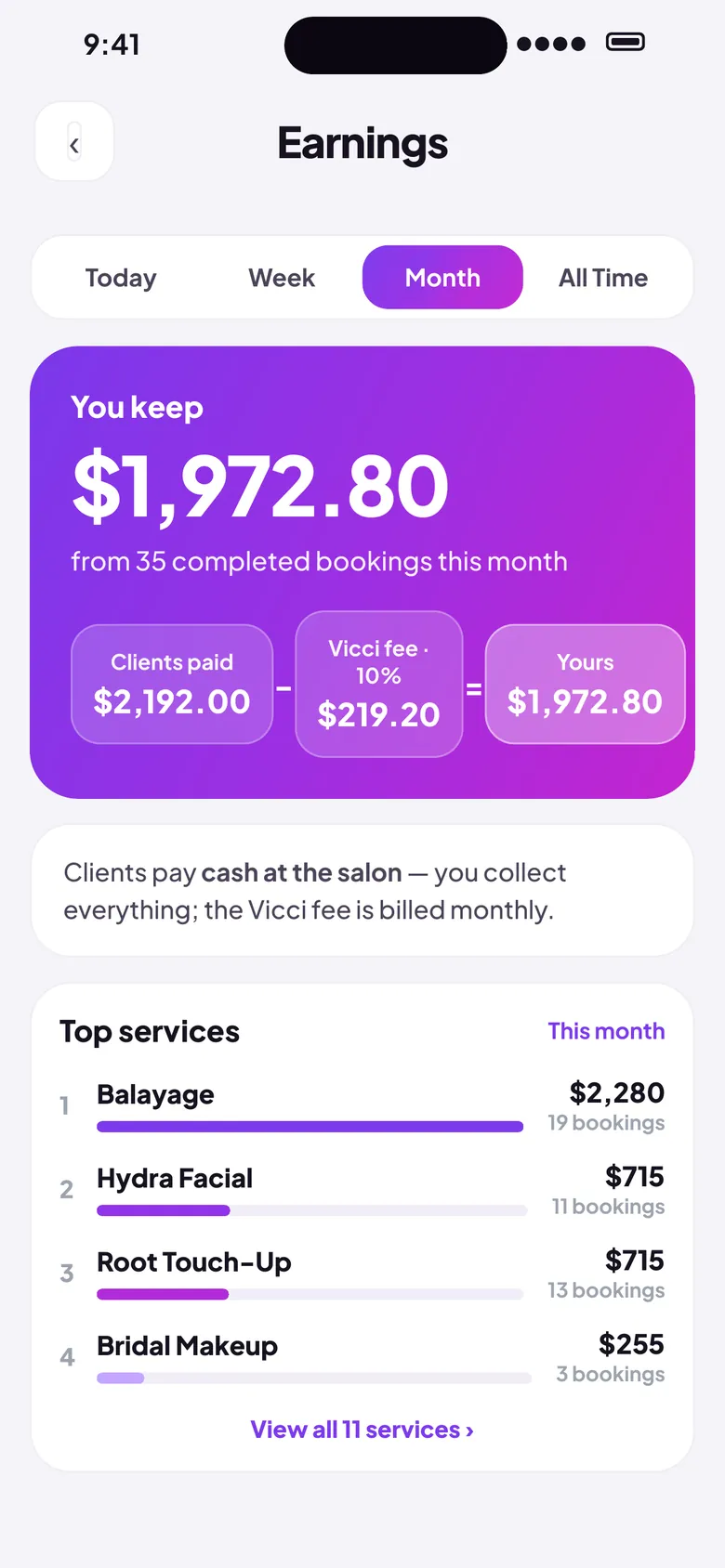
Vicci Business app showing salon dashboard with earnings

Vicci Business

Scroll to explore
  • Free for guests
  • Arabic & English
  • iOS live · Android via WhatsApp
  • Made in Lebanon
  • 0+

    Salons

  • 0+

    Bookings

  • 0

    Apps

Powered by AI

Meet Ask V

Your personal salon genius — always on.

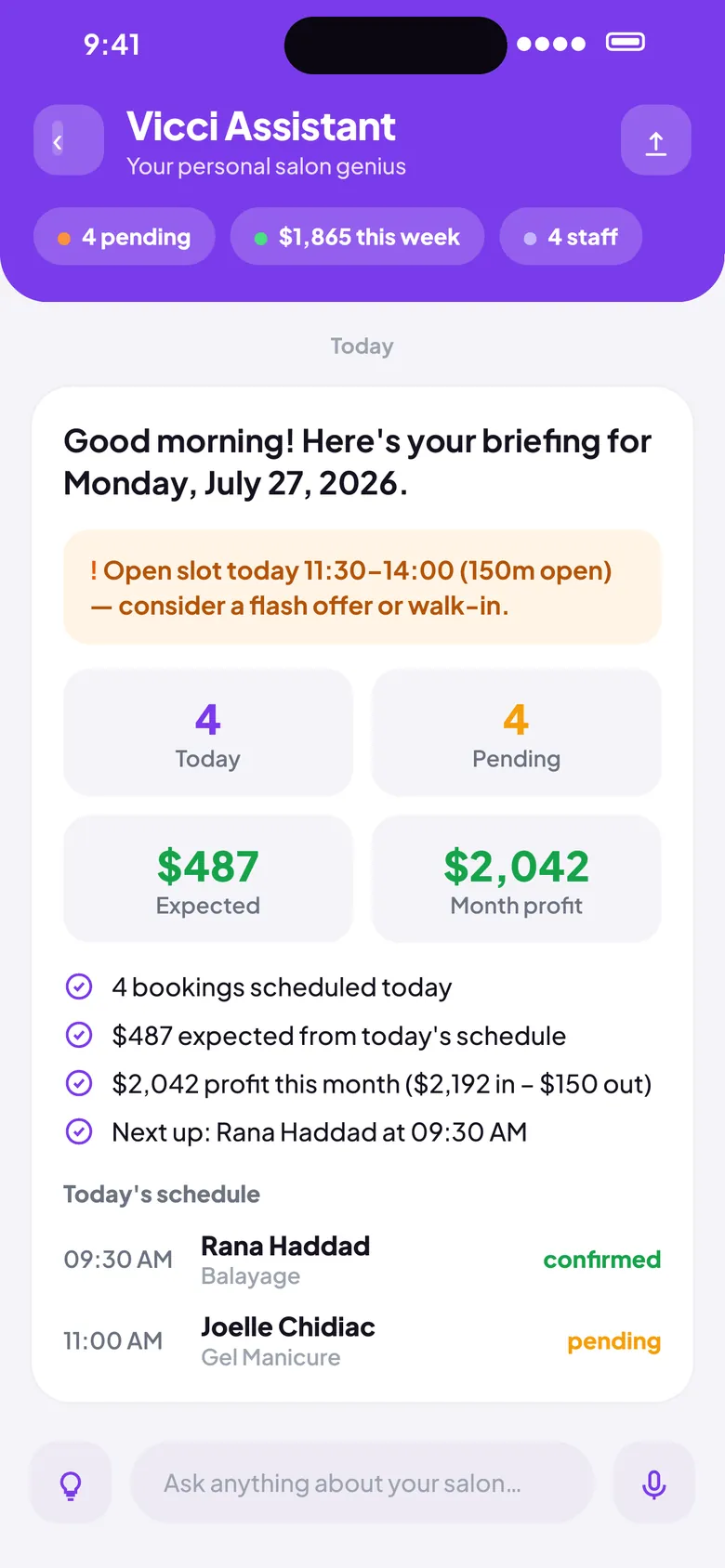
Ask V is Vicci's built-in AI assistant for salon owners. Ask anything about your business and get instant, accurate answers — in Arabic or English.

  • 1"What's my revenue this week?"
  • 2"Who are my top clients?"
  • 3"What's on my schedule today?"
Vicci Assistant AI chat screen showing a schedule query and response

For Guests

Find and book the right salon

Discover salons near you, see real availability, and book in seconds.

  • Browse nearby salons

    Discover beauty and grooming options around you in seconds.

  • Book or reschedule instantly

    Real-time availability with instant confirmation — no back-and-forth.

  • Chat directly with salons

    Ask questions before you book, all in one app.

Vicci Booking date and time picker during booking
Vicci Business Vicci Assistant AI chat screen

For Vendors

Run your salon with confidence

Manage bookings, staff, and earnings from one app — with an AI assistant in your pocket.

  • Manage bookings in real time

    Auto-confirm or approve each request from your phone.

  • Ask Vicci AI

    Get instant answers about today's schedule, revenue, and top clients — in Arabic or English.

  • Track performance

    Clear insights on earnings, repeat clients, and busiest hours.

See it in action

Every screen, built for one thing — a better salon experience.

Discover salons

Discover salons

Explore on map

Explore on map

View services

View services

Book instantly

Book instantly

Chat with salon

Chat with salon

Built for both sides of the chair

Guests get a calm booking flow. Vendors get dependable tools. Vicci keeps both aligned.

  • Bilingual

    Full Arabic and English support across both apps, written in clear Fusha.

  • Made in Lebanon

    Built with care by a Lebanese team — with deep understanding of local beauty culture and business needs.

  • Fair for vendors

    Transparent pricing. Vendors keep what they earn.

  • WhatsApp ready

    Send appointment confirmations directly to clients on WhatsApp.

  • Smart scheduling

    Real-time availability sync prevents double-bookings before they happen.

  • Free to start

    Both apps are free to download. Vendors can try Vicci Business with no commitment.

How it works

Pick your path — three steps for guests, three steps for vendors.

Map showing salons across Beirut in Vicci Booking

What people are saying

Early users share their experience with Vicci.

  • I used to book over WhatsApp and chase confirmations for hours. Vicci does it in seconds — I'll never go back.
    MS

    Maya S.

    GuestBeirut

  • The map helped me discover a salon two streets away that I never knew existed. Booked the same day.
    NK

    Nour K.

    GuestJounieh

  • Ask V answered questions about my revenue and schedule faster than I could open my spreadsheet. Genuinely useful.
    RH

    Rima H.

    Salon OwnerAshrafieh, Beirut

Frequently asked questions

Everything you need to know before you start.

Yes — Vicci Booking is completely free for guests. Vicci Business is free to start for salon owners, with no upfront commitment.

Ready to start?

Choose your path — book as a guest or partner with Vicci for your business.

Download Vicci Booking

iPhone: App Store. Android: tap Google Play — WhatsApp opens with a draft; send your Google account email and we’ll reply with your personal install link from Google Play.

Download on the App Store

Tap Google Play to open WhatsApp with a draft — add the Google account email you use on your phone, send, and we’ll reply with your install link.

Download Vicci Business

iPhone: App Store. Android: tap Google Play — WhatsApp opens with a draft; send your Google account email and we’ll reply with your personal install link from Google Play.

Download on the App Store

Tap Google Play to open WhatsApp with a draft — add the Google account email you use on your phone, send, and we’ll reply with your install link.

WhatsApp